 |

How Knitting Designers Can Use AI to Type Up Their Handwritten Notes
A practical guide showing how knitting designers can use AI. Learn how AI can help knitting designers transcribe handwritten notes, speed up admin work and move quickly from sketchbook to pattern draft.
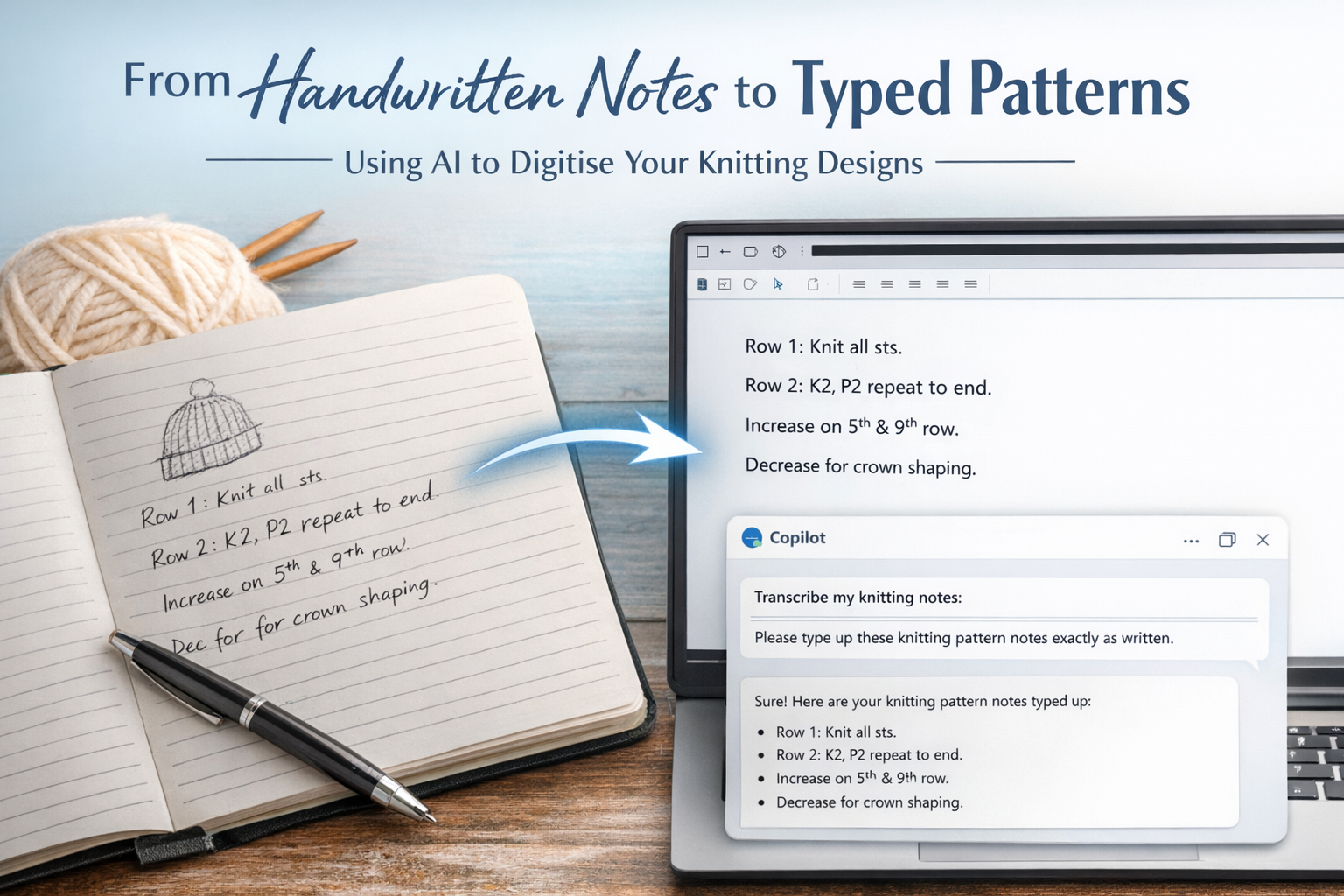
Many knitting designers still work best with a notebook and pen. Sketches, shaping notes, quick row instructions and margin scribbles are all part of the creative process. The only problem is turning those handwritten pages into a clean, typed pattern. This is where AI tools, such as Microsoft Copilot, can genuinely help by transcribing your notes into editable text while you stay in control of the design.
Why Use AI to Transcribe Knitting Notes?
Typing up a pattern can be one of the slowest parts of the design process. AI cannot design the shaping or make technical decisions for you, but it can save time on the admin side. By using AI to type up your handwritten notes, you can move more quickly from rough draft to pattern layout, without losing your original ideas or rhythm.
AI transcription is especially useful if you tend to design in short bursts, jotting down rows as you go. Instead of re-typing everything later, you can capture your pages as images and let AI handle the first pass of turning handwriting into text.
Preparing Your Handwritten Notes
You do not need to change the way you design to use AI effectively. Write your notes as you normally would: sketches, arrows, shorthand, row numbers and shaping notes are all fine. The key is to keep your handwriting reasonably clear and to group related information together on the page where possible.
Before you photograph or scan your notes, check that the writing is dark enough to read and that there are no major smudges or shadows. A little preparation at this stage helps the AI produce a more accurate transcription.
How to Capture Your Notes
To use AI to type up your pattern, you first need a digital copy of your handwritten pages. The easiest way is to take a clear photo with your phone or tablet. Lay the notebook flat, use good lighting and hold the camera directly above the page so the text is not distorted.
If you have access to a scanner, you can also scan your pages as images or PDFs. Whether you choose photos or scans, the goal is the same: a clear, straight, readable image of your notes that the AI can interpret.
Using Copilot to Transcribe Your Pattern Notes
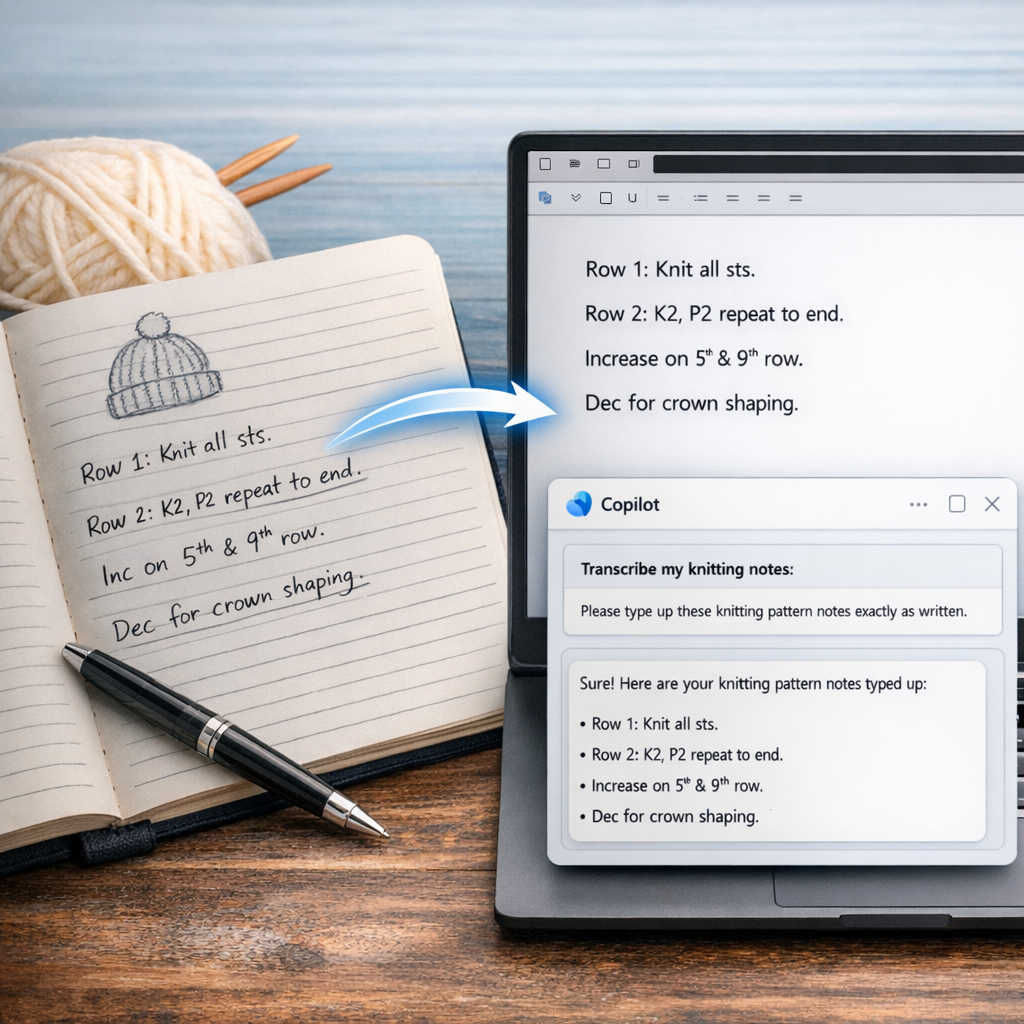
Once you have your images, you can upload them to Copilot and ask it to type up your notes. A simple, direct instruction works well, such as: “Please transcribe these knitting pattern notes exactly as written.” This tells the AI that you want a faithful copy of your text, not a rewritten version.
Copilot will then read the handwriting in the image and convert it into typed text. It does not change your stitch counts, invent new rows or alter your design; it simply turns your handwritten words into editable digital text that you can copy into your pattern document.
Checking and Editing the Transcription
After Copilot has produced the typed version, it is important to read through it carefully. AI can misread certain letters, numbers or symbols, especially if the handwriting is small or stylised. Check row numbers, stitch counts, abbreviations and any shaping instructions to make sure they match your original notes.
This review stage is where your expertise matters. You remain the designer, and you decide whether the transcription is accurate. Once you are happy, you can start formatting the text into a full pattern, adding headings, sections, tension information and any supporting notes.
Keeping Creative Control
Using AI to type up your notes does not change the way you design; it simply removes some of the repetitive work. The ideas, shaping, construction and technical decisions are still entirely yours. AI does not understand how knitted fabric behaves, and it cannot test or refine your design. It is a tool that supports your process, not a replacement for your skills.
For many knitting designers, this balance is ideal. You can continue to design in the way that feels most natural, with pen and paper, while using AI to speed up the transition from notebook to pattern draft. The result is more time for creativity and less time spent re-typing what you have already written.
If you’re curious about how AI fits into the world of knitting, you might enjoy reading Can AI Design a Knitting Pattern? The Truth Every Knitter Should Know over on my blog.
Tags: AI transcription for crafters